Orbit Playground.
Click a point.
Set a small universe in motion.
Best explored with a mouse and keyboard.
THE IDEAOne click.
One click.
Another center of gravity.
An interactive canvas of orbiting dots. Build new centers of motion, change the palette, and find a rhythm somewhere between stillness and speed.
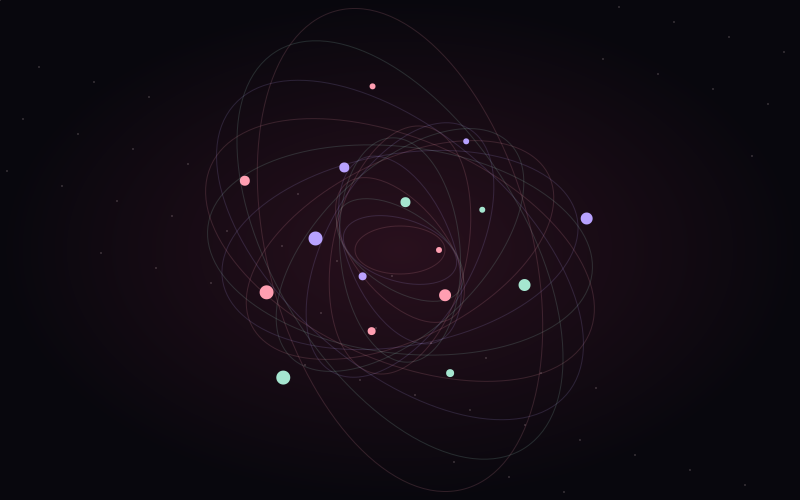
Orbit Playground turns each click into a new center for an orbiting dot. The canvas starts with a small collection of orbiters and builds into overlapping trails. Color and speed controls make the same underlying system feel quiet, playful, or restless.
EXPLORE THE EXPERIENCEA few gestures.
A few gestures.
Room to play.
Best explored with a mouse and keyboard.
- Click / hold mouse
- Add an orbiter, or add them gradually.
- 1 / 2 / 3
- Change the color palette.
- ↑ / ↓
- Increase or decrease orbital speed.
- C / R
- Clear the canvas, or restore the starting scene.
Try it.
See where it goes.
Launch Orbit Playground Best explored with a mouse and keyboard.